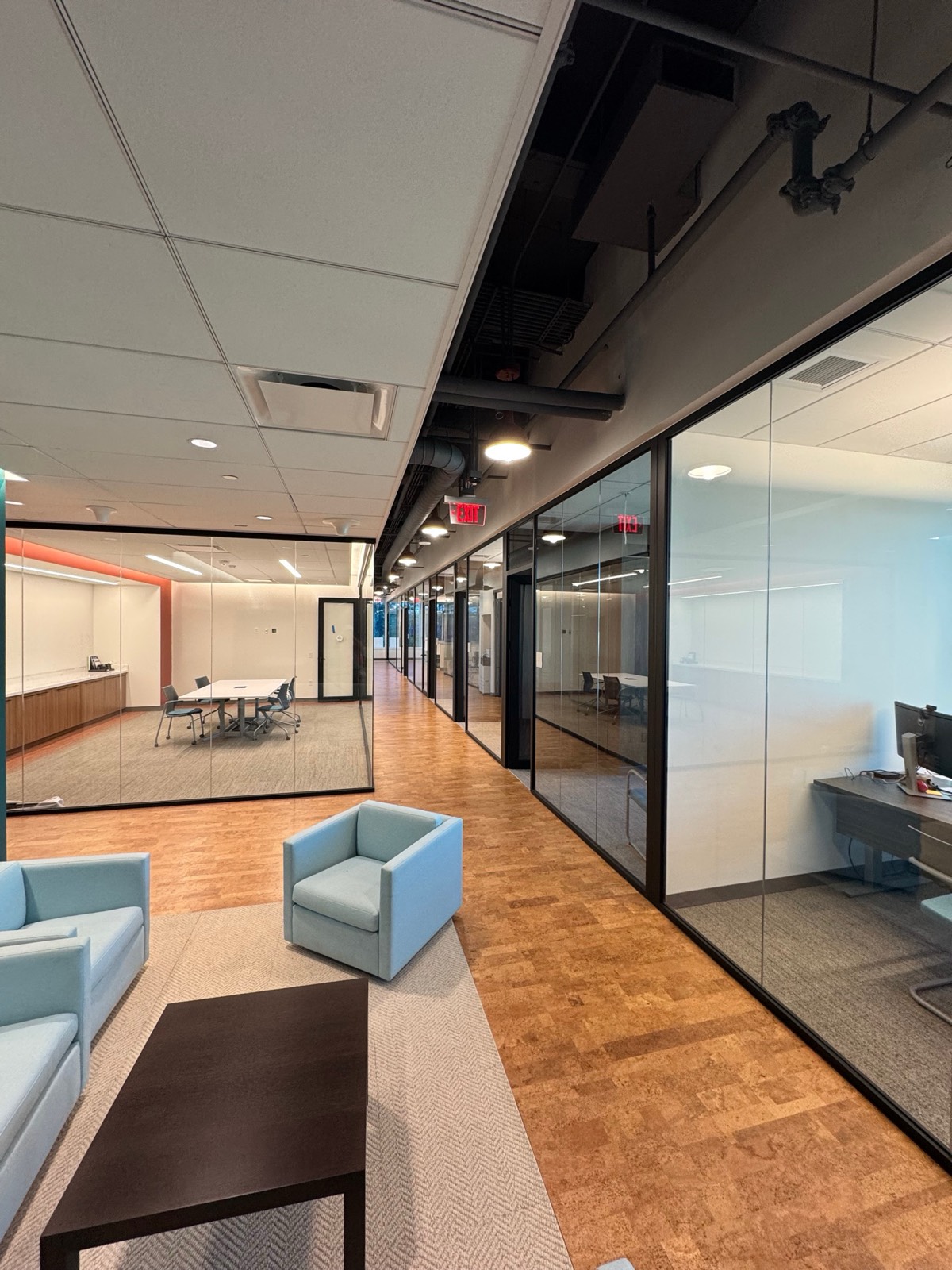
Two ways to picture your project. Have a photo of the room? Drop glass into it in true perspective. Have the drawings? Upload the plan set and explore the glass package in 3D — orbit it or jump to the aerial overview. Both run right in your browser — no signup, no upload, no wait.
Choose how you want to start
See exactly how glass partitions would look in your space — now in 3D perspective. Upload a photo of your room, drop in glass walls and doors, then pull the corners to align each panel to your walls and floor so it sits in the scene like the real thing.
100% private — your photo stays on your device and is never uploaded.
Drag & drop an image here, or click to browse.
Choose photoDrag to place a wall panel or glass door, then pull its 4 corners to line the glass up with your walls and floor. Switch to a Glass door in the Element controls, or use Place on a surface for an instant angle.
Please note: this is an approximate visual preview / mockup to help you picture the possibilities — not a final rendering, engineering drawing, or price quote. For an exact quote tailored to your space, call us at (386) 292-4428.
Upload your own plan set and we'll build it in 3D — or explore the sample office plan loaded here. Orbit the whole building, or jump to the aerial overview to see the glass the way our renderings show it. Every wall is clickable — tap one to cycle it through glass → solid → door so the takeoff matches your real scope.
We'll read the drawing and find the glass fronts automatically.
Drop in the architect's PDF — a DD or CD sheet works best. We pull the walls, rooms and glass fronts straight off the drawing and build the 3D model right here.
Reading your plan…
We couldn't read that file.
Your file is read in your browser — it is never uploaded to a server.
Works with vector PDFs exported from CAD. Detection is a starting point — always confirm the fronts before quoting.
Scanned or photographed plans can't be read automatically. Call (386) 292-4428 and we'll build it by hand.
Click any wall to set glass, solid, or door — the takeoff updates live.
Start from the example plan loaded below (or from a plan you uploaded) and tag the scope by hand. Every click re-runs the takeoff — linear feet of glass, fronts, doors and rooms — so what you see is what we quote from.
The example is a sample 100 × 60 ft office floor plate — eight private offices, two conference rooms and an open bay. It's already loaded below.
Send over your mockup or your drawings — we'll turn the preview into a precise quote.